User Agent Lookup: Instantly Check Your Browser, OS, and Device Details Online
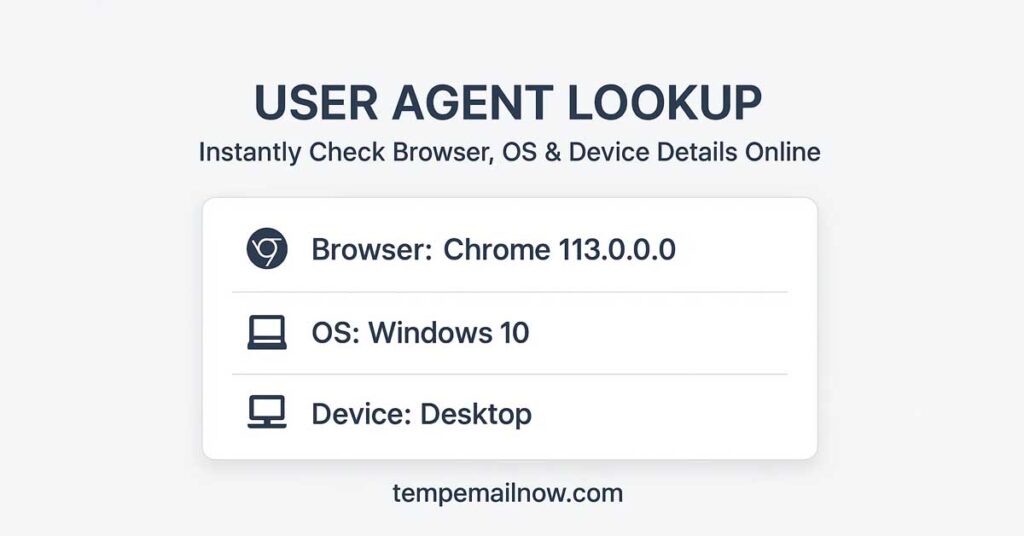
(Tempemailnow.com) – Every time you open a website, your browser sends a small piece of technical information called a user agent. This data helps websites understand which browser, operating system, and device you are using so content can be displayed correctly.
With the User Agent Lookup tool by Temp Email Now, you can instantly view your complete user agent details directly in your browser — with no login, no tracking, and no server requests.
The tool runs entirely on your device, making it fast, lightweight, and privacy-safe.
What Is a User Agent
A user agent is a text string automatically sent by your browser when you visit a website. It typically contains information such as:
- Browser name and version
- Operating system (Windows, macOS, Linux, Android, iOS)
- Device type (desktop, mobile, tablet)
- Rendering engine used by the browser
Web developers, QA testers, security researchers, and privacy-conscious users rely on user agent data to test compatibility, debug issues, and understand how websites detect devices.
Why Use a User Agent Lookup Tool
Raw user agent strings are difficult to read and interpret. A user agent lookup tool converts this technical data into a clear and human-readable format.
Common reasons to use a user agent lookup include:
- Checking your current browser and operating system
- Testing how websites detect your device
- Debugging layout or compatibility issues
- Identifying modified or spoofed user agents
- Learning what information your browser shares online
The TempEmailNow User Agent Lookup makes this process instant and beginner-friendly.
How the Temp Email Now User Agent Lookup Works
Unlike many online tools, this user agent lookup does not send your data to a server.
Here is how it works:
- Your browser reads its own user agent string
- The information is parsed locally on your device
- Results are displayed instantly on the screen
This means:
- No server requests
- No logs or analytics
- No cookies
- No personal data collection
Your information never leaves your browser.
Key Features of the User Agent Lookup Tool
Instant Results
Your browser, device, and operating system details appear immediately.
Privacy-Focused by Design
No tracking scripts, no data storage, and no monitoring.
No Login Required
Use the tool instantly without creating an account.
Works on All Devices
Compatible with desktop, mobile, and tablet browsers.
Clean and Lightweight
No ads, no clutter, and no unnecessary scripts.
Who Should Use This Tool
The User Agent Lookup tool is useful for:
- Web developers testing cross-browser compatibility
- QA testers verifying device detection behavior
- Students learning how browsers and user agents work
- Privacy-focused users checking shared browser data
- Anyone curious about their browser environment
No technical background is required.
Why Choose Temp Email Now
TempEmailNow is built around a simple principle: privacy first.
All tools on the platform follow the same standards:
- No tracking
- No server-side processing
- No login requirements
- Fast, browser-based execution
The User Agent Lookup tool is part of a growing collection of free privacy-focused utilities designed to deliver instant results without compromising user data. Temp Email Now Chrome extension.
Try the User Agent Lookup Tool
If you want to see exactly how your browser identifies itself online, try the User Agent Lookup tool today.
It is fast, private, and completely free — simply open the page and your details appear instantly.
Related Tools on Temp Email Now
You may also find these tools useful:
- Temporary Email Generator
- IP Lookup Tool
- User Agent Checker
- Privacy Tools collection