What Is Temporary Email and Password? Complete Guide (2026)
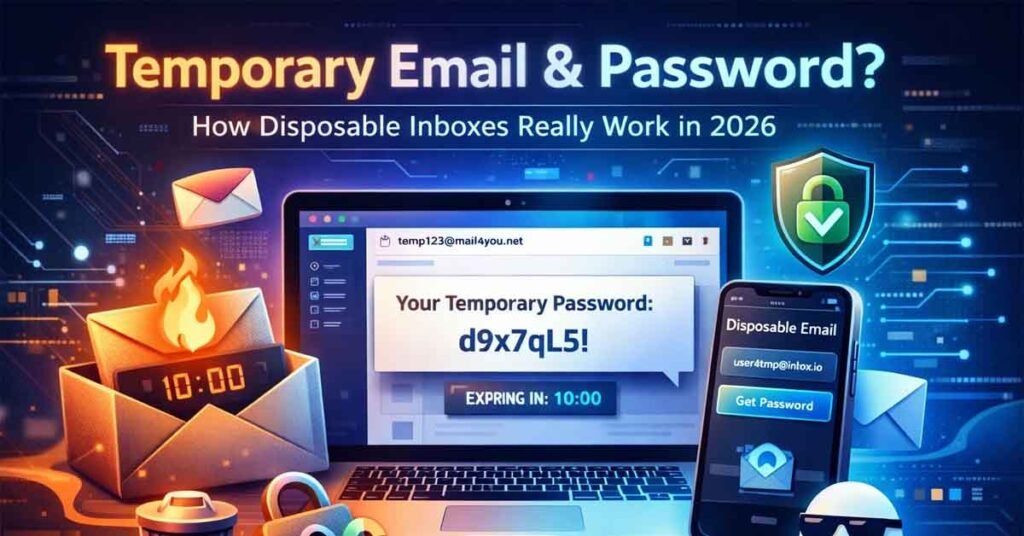
Temporary email and password is a commonly misunderstood concept. Many users assume that disposable email services require a username and password, similar to Gmail or Outlook. In reality, modern temporary email services work very differently.
In 2026, temporary email platforms are designed for speed, privacy, and anonymity, and most of them no longer rely on traditional passwords at all.
This guide explains what temporary email and password really mean, how disposable inboxes work, and why services like Temp Email Now do not require login credentials.
What Is a Temporary Email?
A temporary email (also known as disposable email or temp mail) is a short-lived email address created instantly for one-time or short-term use.
It allows users to:
- Receive verification emails
- Get OTP codes
- Confirm downloads or sign-ups
- Avoid spam and marketing emails
Unlike traditional email services, temporary emails:
- Do not require registration
- Do not need a real identity
- Automatically expire after a short time
You can generate one instantly using a temporary email generator without creating an account.
What Does “Temporary Email and Password” Mean?
Many people search for temporary email and password assuming that a password is required to access a disposable inbox.
In 2026, the reality is simple:
- Temporary email services do not require user-created passwords
- Inbox access is handled automatically using:
- Session-based inboxes
- Unique inbox tokens
- Temporary inbox IDs stored in the browser
In other words, the “password” is virtual, automatic, and temporary.
Modern systems prioritize:
- Speed
- Privacy
- Zero friction
Why Modern Temp Email Services Don’t Need Passwords
Traditional passwords create unnecessary problems:
- Data storage risks
- Account hacking
- Extra user friction
Modern temporary email platforms remove passwords because:
- Inboxes are short-lived
- No long-term user identity exists
- Messages auto-delete
- There is no need to store credentials
This is why Temp Email Now uses a no-login, no-password system.
How Temporary Email Works (Step-by-Step)
The process is simple:
- You open a temp mail website
- A random email address is generated instantly
- You use that address on another website
- Incoming emails appear in real time
- The inbox expires automatically
No signup. No password. No tracking.
Can Temporary Emails Receive OTPs and Verification Codes?
Yes. Most modern temporary email services support:
- OTP emails
- Login verification links
- Password reset messages
- Signup confirmations
Temp Email Now is optimized for fast OTP delivery, making it suitable for:
- App registrations
- Website logins
- One-time verifications
Is Temporary Email Anonymous?
Yes. Temporary email services are designed to protect user identity.
They typically:
- Do not ask for real email addresses
- Do not require phone numbers
- Do not create personal user profiles
- Minimize tracking and data retention
For additional privacy context, see this explanation of disposable email addresses:
👉 https://www.cloudflare.com/learning/privacy/what-is-disposable-email/
What Happens When a Temporary Inbox Expires?
When a temporary inbox expires:
- All messages are deleted
- The email address becomes inactive
- No recovery is possible
This automatic expiry ensures:
- Better privacy
- No long-term data retention
- Reduced security risk
Common Use Cases for Temporary Email
Temporary email is ideal for:
- Website sign-ups
- Free trials
- Download gates
- Testing applications
- Avoiding spam
- Shopping without promotions
Developers and QA teams also use temp mail for:
- Testing registration flows
- Verifying email triggers
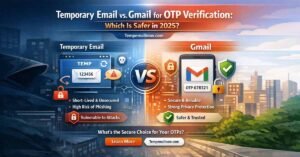
Temporary Email vs Regular Email (Quick Comparison)
Temporary Email
- Signup required: No
- Password needed: No
- Identity exposure: No
- Spam risk: Low
- Inbox lifespan: Short
Regular Email
- Signup required: Yes
- Password needed: Yes
- Identity exposure: Yes
- Spam risk: High
- Inbox lifespan: Permanent
Is Temporary Email Legal and Safe?
Using temporary email is legal in most countries when used responsibly.
It should not be used for:
- Fraud
- Account abuse
- Illegal activities
For normal privacy protection, temporary email services are widely accepted.
Frequently Asked Questions
Does Temp Email Now require a password?
No. Temp Email Now does not require passwords or accounts.
Can I reuse a temporary email address?
No. Each inbox is disposable and expires automatically.
Are temporary emails secure?
Yes. They reduce exposure by avoiding permanent identity storage.
More answers are available in the Temporary Email FAQs section.
Why Choose Temp Email Now?
Temp Email Now offers:
- Instant inbox creation
- No password or login
- Fast OTP delivery
- Clean, privacy-first design
- Free and unlimited usage
It is built for users who value speed, simplicity, and anonymity.
Final Thoughts
The idea of temporary email and password is outdated.
In 2026, the best temporary email services operate without passwords, without accounts, and without identity exposure.
If you want a fast, anonymous, and secure disposable inbox,
👉 Generate a temporary email now